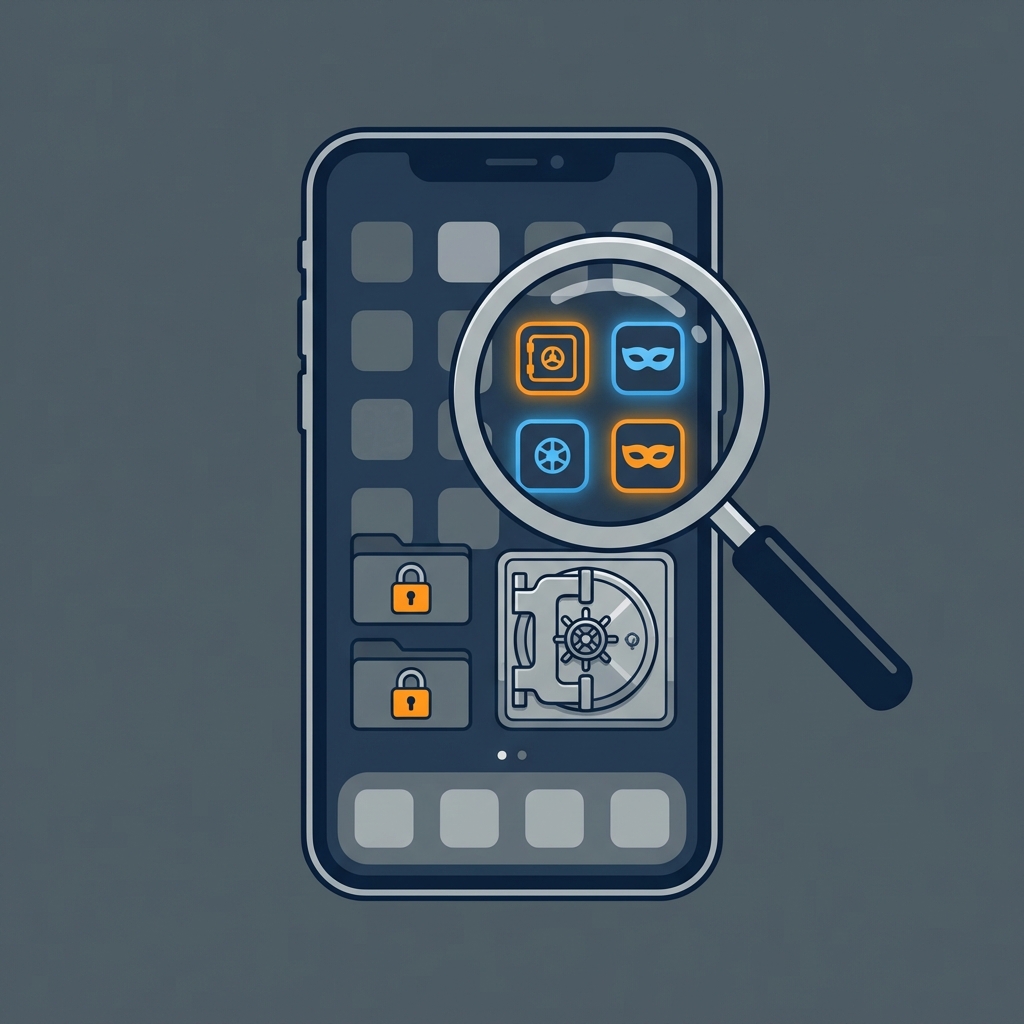
In 2026, children and teenagers are more tech-savvy than ever. They often know exactly how to hide apps from their parents using “vault” apps, disguised calculators, and hidden folders. These tools can conceal inappropriate content, secret social media accounts, or dangerous messaging apps.
This comprehensive guide will show you exactly how to uncover these digital secrets on both Android and iPhone devices.
Why Do People Hide Apps on Their Phones?
Understanding the motivation behind hiding apps is the first step in digital parenting.
- Privacy Needs: A natural desire for independence in teenagers.
- Rule Bypassing: Avoiding parental controls or screen time limits.
- Secret Communication: Using “disappearing” message apps for private chats.
- Malicious Content: Storing photos or videos in password-protected “vaults.”
The Most Common Types of Hidden Apps
- Vault Apps: Disguised as calculators, clocks, or simple utility tools.
- Disguised Icons: Standard apps with their icons changed to look like something else (e.g., a game looking like a settings icon).
- Hidden App Drawers: Features built into Android launchers that remove apps from the main view.
🔍 How to Find Hidden Apps on Android
Android is highly customizable, making it the most common platform for hiding apps. Use these 5 methods to find them:
1. Check the Comprehensive App List
Don’t rely on the app drawer. Go to: Settings > Apps > See all apps. Scroll through the alphabetical list. Look for generic names like “System Service” or multiple “Calculator” apps.
2. Search for Vault Keywords in the App Store
Open the Google Play Store, tap your child’s profile, and go to Manage apps & device > Manage. Look for apps they have uninstalled or “vault” apps currently installed.
3. Check Launcher Settings
Many Android phones (Samsung, Xiaomi, etc.) have a “Hide Apps” feature.
- Long-press the home screen.
- Tap Settings (or Home Screen Settings).
- Look for Hide apps or App drawer settings.
4. Look for Disguised Calculators
If you see a calculator app that isn’t the system default, open it. If it asks for a PIN immediately, it’s likely a photo vault.
🍏 How to Find Hidden Apps on iPhone (iOS)
iPhone makes it harder to hide things, but it’s not impossible.
1. Use the App Library
Swipe all the way to the right to reach the App Library. Tap the search bar to see an alphabetical list of every app installed on the iPhone, even those removed from the home screen.
2. Check Hidden Home Screen Pages
Long-press on an empty area of the home screen, then tap the dots at the bottom. Ensure all pages are checked. If a page is unchecked, it’s hidden.
3. Review App Store Purchase History
Open the App Store, tap the profile icon, and select Purchased. You can see every app ever downloaded, even if it’s currently “hidden” or uninstalled.
4. Use Screen Time for Total Visibility
Go to Settings > Screen Time > See All Activity. This lists every app that has been used, even those that are hidden.
🛡️ Can a Spy App See Hidden Apps?
Yes. Professional monitoring software is the only 100% reliable way to detect hidden content.
- mSpy: Provides a complete list of installed applications and captures everything happening inside them, even if they are disguised or hidden.
- Eyezy: Monitors keystrokes and screen activity, revealing the PINs used to access “secret” vaults.
Full Guide: Best Spy Apps for Android 2026 →
What to Do If You Find a Hidden App?
If you discover a vault app or a secret messaging tool, don’t panic.
- Document it: Take a screenshot for proof.
- Research the app: Find out what it’s commonly used for.
- Wait for a calm moment: Have a conversation about digital safety and why they felt they needed to hide the app.
- Set clear boundaries: Explain the dangers of “ghost” apps and establish rules for transparency.
Summary: Quick Checklist
| Platform | Best Method | Difficulty |
|---|---|---|
| Android | Settings > Apps > All Apps | Easy |
| Android | Launcher Settings | Medium |
| iPhone | App Library Search | Easy |
| iPhone | Screen Time Activity | Highly Effective |
Stay vigilant, use the right tools, and keep the lines of communication open with your children.
Worried about what your child is seeing online? Read our review of the 6 Best Phone Spy Apps in 2026 to protect them today.