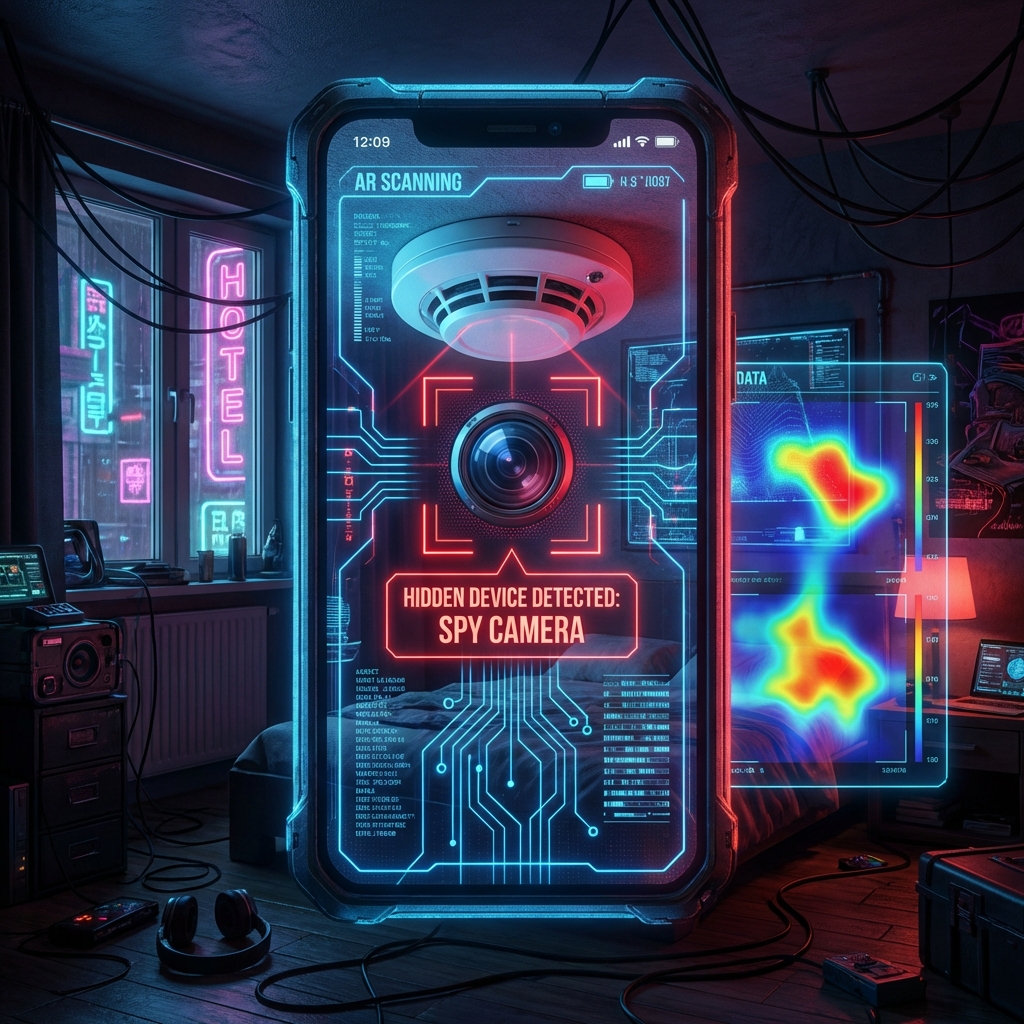
In an era where technology is becoming smaller and more accessible, hidden cameras have become a significant concern for travelers, renters, and anyone staying in unfamiliar environments. Whether it’s an Airbnb, a hotel room, or a changing area, the feeling that someone might be watching can be deeply unsettling.
Fortunately, your smartphone can be a powerful tool for self-protection. By using a spy camera detector app, you can leverage the sensors already built into your device—like the magnetometer and the camera—to find hidden recording devices.
In this guide, we review the top 5 spy camera detector apps for 2026, explain how they work, and provide professional tips on how to sweep a room like an expert.
🏗️ How Does a Spy Camera Detector App Work?
Most hidden camera detector apps use two primary methods to find spying devices:
- Magnetometer Processing: Every electronic device with a lens and a circuit board emits a small amount of electromagnetic radiation. Your smartphone has a built-in magnetometer (used for the compass). The app reads this sensor and alerts you when it detects an unusually strong magnetic field typical of a camera’s electronics.
- Infrared (IR) Detection: Many spy cameras use infrared for night vision. While the human eye can’t see IR light, most smartphone cameras can. Detector apps help you scan the room for the tell-tale tiny white or purple dots of an IR beam.
- Network Scanning: Some advanced apps scan the local Wi-Fi network to find devices that are streaming data. If you see a device named “IP Camera” or “Cam_123” on the network list, you’ve likely found a hidden bug.
🏆 The Top 5 Spy Camera Detector Apps for 2026
1. Hidden Camera Detector (by Glispa)
This is widely considered the gold standard for spy camera detector apps on Android. It features a straightforward interface with a digital meter that jumps when you get close to magnetic fields.
- Best Feature: The “Infrared Camera Detector” mode which applies a specialized filter to your screen to highlight IR light.
- Pros: Very sensitive, free version available.
- Platform: Android.
2. Fing - Network Tools
While not strictly a “camera detector,” Fing is essential for finding Wi-Fi cameras. It scans the entire network and identifies every connected device.
- Best Feature: Device identification. It often tells you the manufacturer of the device (e.g., “Hikvision” or “Ring”), making it easy to spot out-of-place cameras on the guest Wi-Fi.
- Pros: Extremely accurate for network-based threats.
- Platform: Android & iOS.
3. Detectify (Hidden Device Detector)
Detectify uses a sophisticated algorithm to differentiate between common metal objects (like nails or pipes) and electronic lenses.
- Best Feature: Lens Detector mode. It guides you to use your phone’s flashlight to find the characteristic “glint” of a camera lens.
- Pros: Minimal false positives.
- Platform: Android.
4. Spy Hidden Camera Detector (iOS)
For iPhone users, this app provides a clean, intuitive experience. It includes a magnetic sensor tool and a guide on where cameras are most commonly hidden in hotel rooms.
- Best Feature: The built-in checklist for travelers.
- Pros: Optimized for iPhone’s specific magnetometer hardware.
- Platform: iOS.
5. Glint Finder
This app is designed purely for visual detection. It uses a high-frequency flashing light (from your phone’s LED) to help you find the reflection of a camera lens.
- Best Feature: Focuses on the “Retro-reflection” physical property of lenses.
- Pros: Works even if the camera is turned off.
- Platform: Android.
🕵️ Step-by-Step: How to Scan a Room for Hidden Cameras
Using an app is only half the battle. You need a systematic approach to ensure you don’t miss anything.
Step 1: The Visual Inspection
Check common hiding spots first:
- Smoke detectors (a classic hiding spot).
- Alarm clocks and bedside lamps.
- Power outlets and AC adapters.
- Wall art and mirrors (check for “two-way” mirrors).
Step 2: The Physical Sweep
Run your spy camera detector app in magnetic mode along the walls and furniture. Hold your phone close to the objects. If the meter spikes, investigate further.
Step 3: The Lights-Out Scan
Turn off all the lights. Open your app’s infrared detector (or just your phone’s camera) and scan slowly. Look for tiny points of light that aren’t visible to your naked eye.
Step 4: The Flashlight Test
With the lights off, shine your phone’s flashlight into corners, clocks, and vents. If you see a blue or red reflection, you might have found a lens.
⚖️ Limitations of Camera Detector Apps
It’s important to be realistic. A spy camera detector app is not a $5,000 professional TSCM (Technical Surveillance Counter-Measures) tool.
- False Positives: Speakers, fans, and heavy-duty electronics will set off the magnetic sensor.
- Stealth Cameras: Some high-end spy cameras are properly shielded to prevent electromagnetic leakage.
- Network Obscurity: A camera might be recording to an internal SD card without being connected to Wi-Fi, making it invisible to network scanners.
❓ FAQ
Can an app really find a hidden camera?
Yes, but they are most effective when used as a supplementary tool alongside a physical inspection. They are great for finding “common” spy bugs used by non-professionals.
Is there a spy camera detector app for free?
Many of the best apps have free versions with advertisements. For serious travel, upgrading to a “Pro” version often removes ads and increases sensor sensitivity.
What should I do if I find a hidden camera?
- Don’t touch it: You may want to preserve fingerprints.
- Document it: Take photos and videos of the device and its location.
- Cover it: Use a towel or tape to block the lens.
- Contact Authorities: Call the local police and report it to the platform (Airbnb/Booking.com).
🏆 Summary Table
| App Name | Primary Method | Best For | Platform |
|---|---|---|---|
| Hidden Camera Detector | IR & Magnetic | All-around sweep | Android |
| Fing | Network Scan | Wi-Fi Cameras | Both |
| Detectify | Algorithm Scan | Reducing False Positives | Android |
| Spy Hidden Camera | Sensor & Tips | iPhone Users | iOS |
| Glint Finder | Flashlight/Lens | Visual detection | Android |
Protecting your privacy is a right, not a luxury. By downloading a reliable spy camera detector app and knowing how to use it, you can sleep soundly knowing your private moments remain private.
Concerned about digital privacy as well? Revisit our Best Spy Apps 2026 guide to understand how smartphones themselves can be monitored and how to stay safe.